

Ummatey on your phone · أُمّتي على جوالك
Your masjid, your Quran, in your pocket.
Everything on ummatey.com works on your phone today. Native iOS and Android apps are in the works for the things a website can't do: offline reading, background audio and prayer notifications.
Store badges stay greyed until the apps are actually listed. No dates promised.
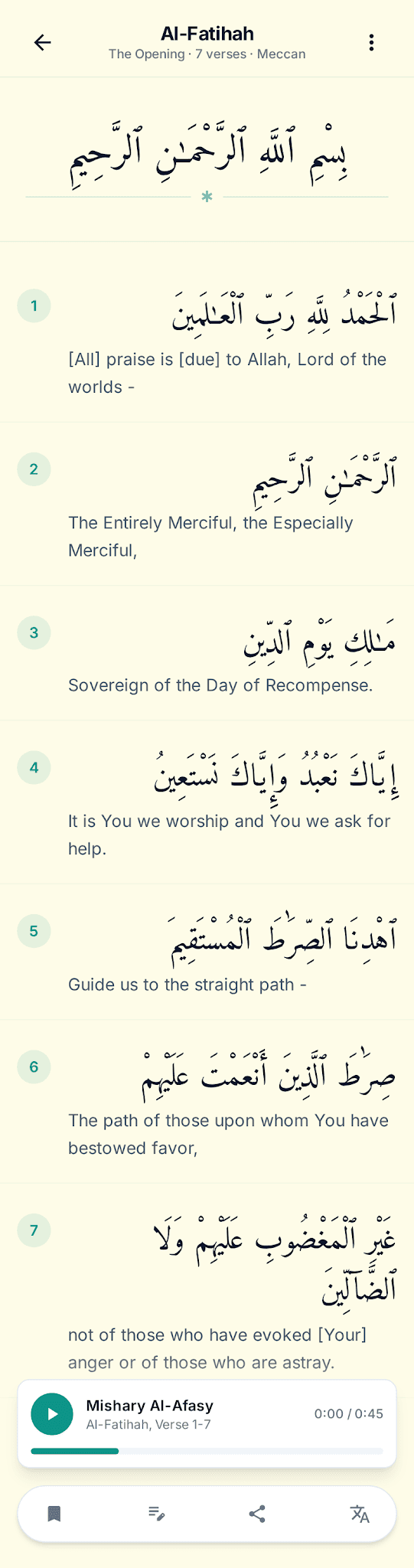
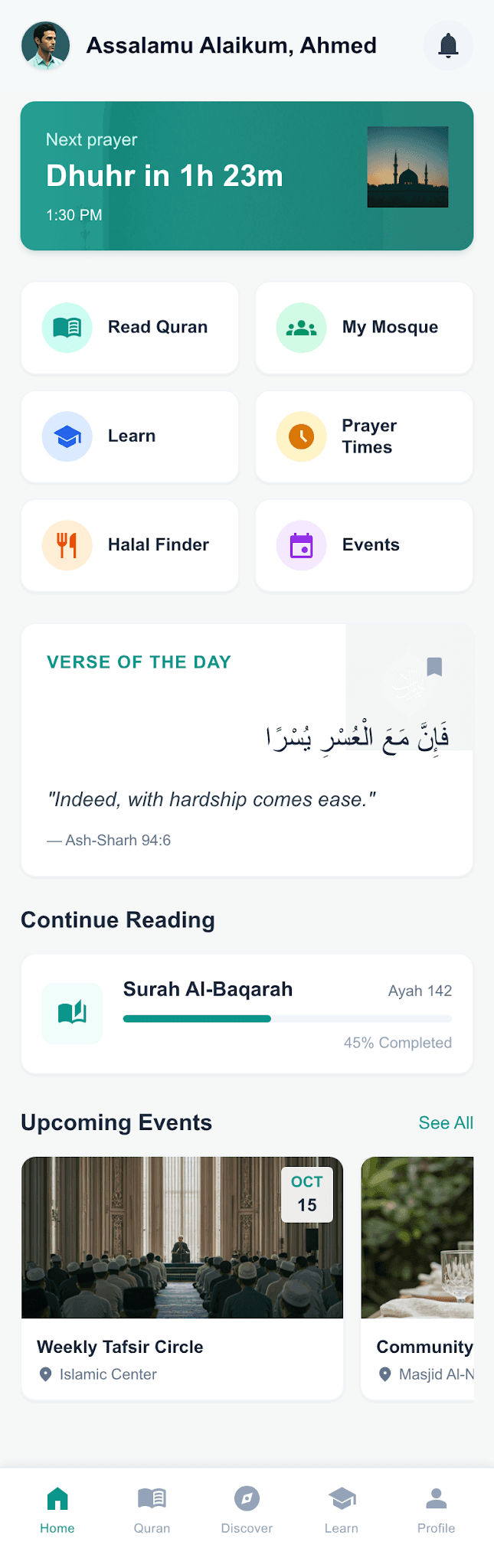
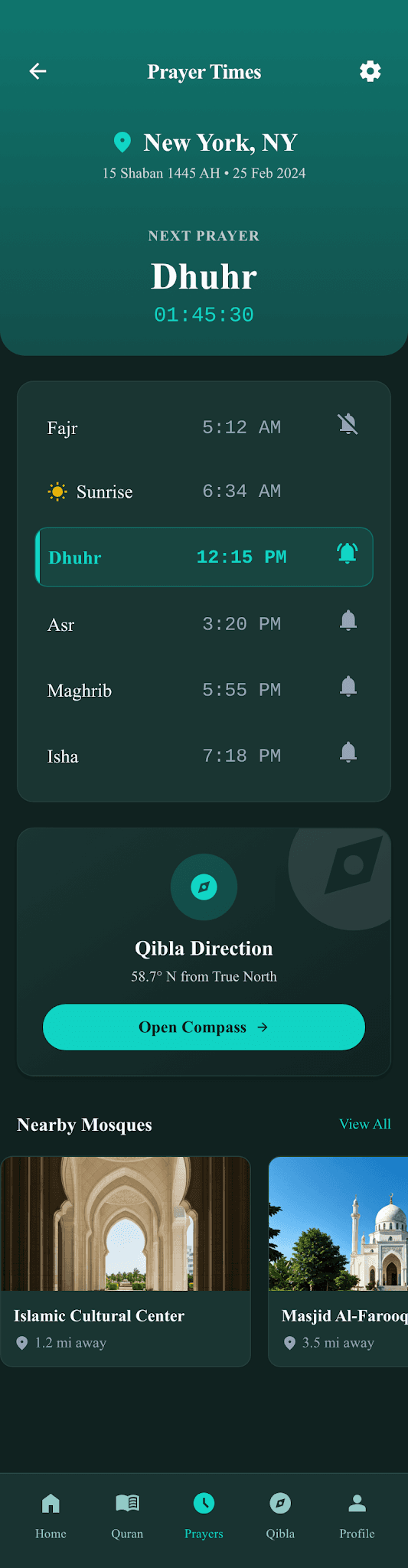
Two taps, and it's on your home screen.
The web app installs like a native one: its own icon, full screen, no browser bars. It's the same account and the same progress as the site.
What works today
All of it, on any phone, signed in or not.
For masajid
Run the masjid from your phone.
Admins already manage everything from the mobile web. The native app will add push notifications for your community.
- Announcements & events
- Members & roles
- Quran classes
- Donations & campaigns
- Messaging
- Prayer-hall TV
For halal businesses
Be found by the people looking for you.
A listing in the halal directory works on every phone today: location, hours, offers and reviews.
- Location discovery
- Promotions & offers
- Reviews & ratings
- Analytics
What the native apps will add
The four things a browser can't do well.